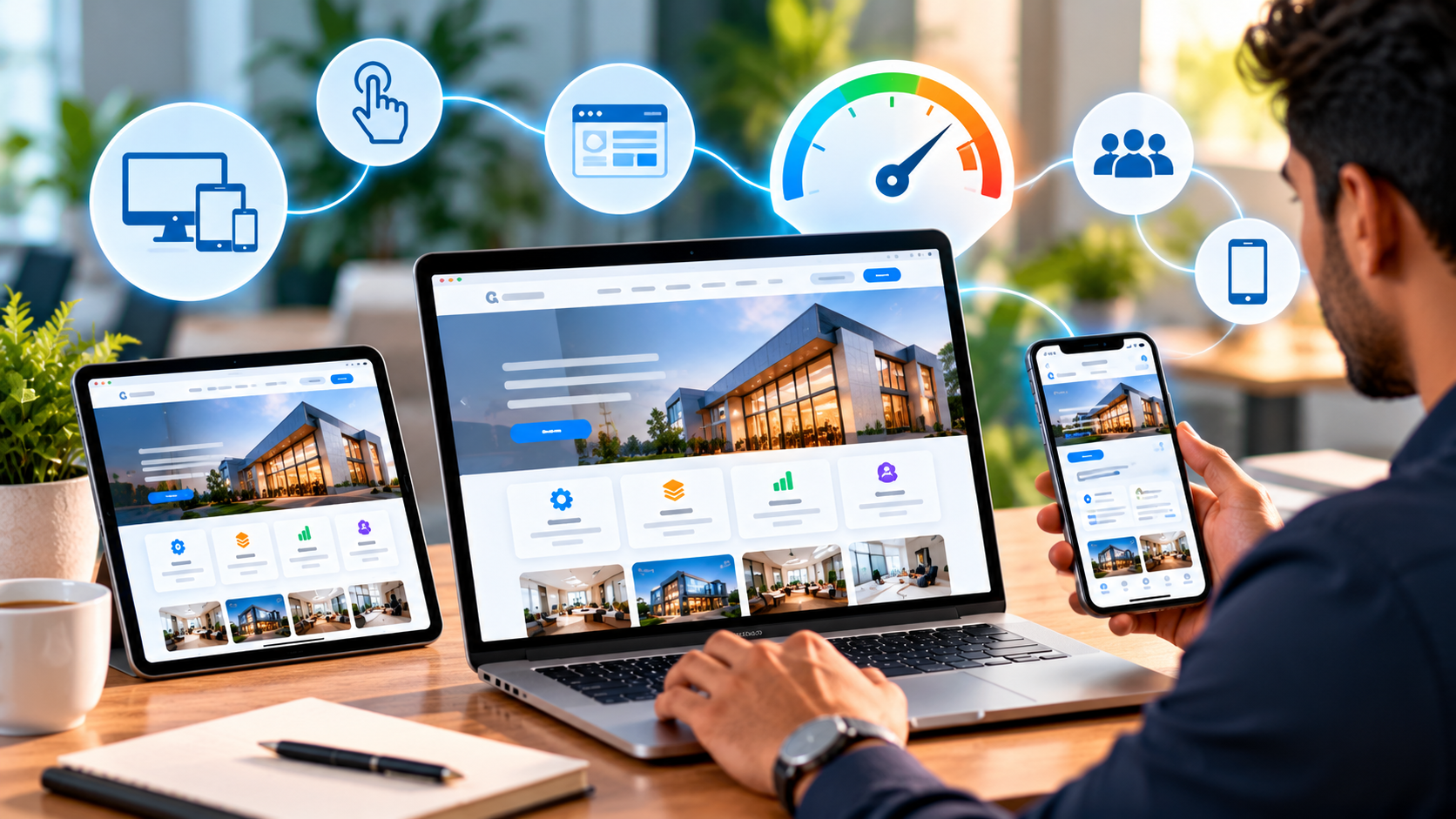
How Can I Make My Business Website Easier for Customers to Use?
How Can I Make My Business Website Easier for Customers to Use?
A business website is often the first place where potential customers learn about a company.
But having a website is only the beginning.
If visitors cannot quickly find the information they need, understand what the business offers, or navigate comfortably on their phone, they may leave the website and look somewhere else.
A useful business website should feel simple.
Customers should be able to understand:
- What the business does
- What products or services are available
- Where to find important information
- How to contact the business
- What they should do next
This is why website usability and optimization are important parts of digital marketing.
Why Does Website Usability Matter?
Imagine someone visits your website for the first time.
They are interested in your service, but the navigation menu is confusing, important information is difficult to find, and the website takes too long to load.
Even if your business provides an excellent service, the visitor may not stay long enough to discover it.
A user-friendly website removes unnecessary difficulty from the customer's journey.
The easier it is for visitors to understand and navigate your website, the easier it is for them to explore your business.
Is Your Navigation Easy to Understand?
Website navigation should help visitors move from one page to another without confusion.
A business website may commonly include pages such as:
- Home
- About Us
- Services
- Products
- Portfolio
- Blog
- Contact
The exact structure depends on the business.
The important thing is that visitors should not have to search through multiple pages just to find basic information.
A simple navigation structure can make the entire website easier to use.
Can Customers Find Your Main Services Quickly?
One common website problem is hiding important services.
For example, if a company provides:
- SEO
- Social media marketing
- Google Ads
- Website development
- Content creation
those services should be easy to discover.
Instead of forcing visitors to read a long paragraph to understand the company's offerings, create clear service sections and dedicated pages where appropriate.
This makes the website easier to explore and also gives search engines clearer information about the business.
Is Your Website Easy to Use on Mobile Phones?
Many customers access business websites through smartphones.
A website that looks good on a desktop computer may not necessarily provide the same experience on a mobile device.
Businesses should check:
- Text size
- Button size
- Navigation
- Image scaling
- Page spacing
- Forms
- Videos
- Tables
- Contact options
Everything should work comfortably on smaller screens.
Mobile responsiveness is therefore not something that should be added at the end of website development.
It should be considered from the beginning.
Does Your Website Load Quickly?
People generally do not want to wait for a website to load.
Large images, unnecessary scripts, unoptimized videos, excessive animations, and inefficient code can all affect website performance.
A faster website can provide a smoother browsing experience.
Businesses can review areas such as:
- Image compression
- Modern image formats
- Browser caching
- JavaScript optimization
- CSS optimization
- Server performance
- Unnecessary third-party scripts
Website speed should be considered alongside design rather than treated as a completely separate issue.
Are Your Website Pages Too Complicated?
More information does not always mean a better website.
A page can contain useful information but still feel difficult to use if everything is presented in one large block.
Break information into sections using:
- Clear headings
- Short paragraphs
- Bullet points
- Relevant images
- Simple navigation
- FAQ sections
- Clear buttons
This allows visitors to scan the page and find the information relevant to them.
Can Customers Understand Your Business Within Seconds?
A visitor should not have to spend several minutes trying to understand what your business actually does.
Your homepage should communicate the basic message quickly.
For example:
Who are you?
What do you provide?
Who do you help?
What makes your service relevant?
How can someone contact you?
The exact wording depends on the business, but the message should be clear.
Are Your Calls to Action Easy to Find?
A customer may be interested in your service but still not know what to do next.
Useful calls to action can include:
- Contact Us
- Get a Quote
- Book a Consultation
- Request a Demo
- Call Now
- WhatsApp Us
- View Products
- Explore Services
The CTA should match the purpose of the page.
A service page may encourage visitors to request an enquiry, while a product page may guide them toward viewing product details or making a purchase.
Does Your Website Make Contact Easy?
If someone wants to contact your business, they should not have to search for your phone number or email address.
Important contact information should be easy to locate.
Depending on the business, this may include:
- Phone number
- Email address
- Contact form
- Business location
- Working hours
- Social media profiles
On mobile devices, clickable phone and WhatsApp options can make contacting the business more convenient.
Are Your Images Helping or Slowing Down the Website?
Images can make a website more attractive and help explain products and services.
However, unnecessarily large image files can affect performance.
Businesses should optimize images before uploading them.
Good image practices include:
- Compressing large images
- Using suitable file formats
- Providing descriptive alt text
- Using appropriate image dimensions
- Avoiding unnecessary duplicate images
The objective is to maintain good visual quality without unnecessarily increasing page size.
Does Your Website Work Properly on Different Devices?
A professional website should be tested across different screen sizes.
Check the website on:
- Desktop computers
- Laptops
- Tablets
- Smartphones
- Small mobile screens
Look for problems such as:
- Overlapping text
- Cut-off images
- Horizontal scrolling
- Buttons becoming too small
- Broken menus
- Incorrect spacing
- Forms extending beyond the screen
Responsive testing should be part of regular website maintenance.
Can Good Website Structure Help SEO?
Yes.
Website structure can help search engines understand the relationship between your pages.
For example, a business could have:
Home → Services → SEO Services
Home → Services → Social Media Marketing
Home → Services → Website Development
This structure can make it easier for users to navigate and can also provide search engines with clearer context about the website's content.
Internal links can also help visitors discover related information.
What About AEO and GEO?
A user-friendly website can also support broader search strategies such as AEO and GEO.
AEO focuses on creating content that directly answers questions.
GEO focuses on improving how business information can be understood within generative search experiences.
Clear headings, useful answers, structured information, FAQs, and well-organized service pages can make important business information easier to understand.
The goal should not be to create content only for search systems.
The website should first provide a useful experience for real customers.
Should Every Website Have the Same Structure?
No.
A restaurant, hotel, software company, jewellery store, school, hospital, and digital marketing company may all require different website structures.
For example, an e-commerce website may need:
- Product categories
- Product pages
- Cart
- Checkout
- Account section
A service business may need:
- Service pages
- Portfolio
- Testimonials
- Enquiry options
- Contact information
The website structure should be based on the customer's needs and the business's goals.
How Can I Find Problems on My Website?
Start by experiencing your own website as a customer.
Open the website on your phone and ask:
Can I understand this business quickly?
Can I find the service I need?
Can I find the contact details?
Can I navigate back easily?
Do the buttons work?
Do the images load correctly?
Does the website feel comfortable to use?
You can also ask someone unfamiliar with your business to navigate the website.
Their experience can reveal problems that the website owner may not notice because they already know where everything is.
What Should a Business Improve First?
Website improvement does not always require rebuilding the entire website.
Start with the biggest usability problems.
A practical checklist can include:
- Simplify the navigation.
- Make important services easy to find.
- Improve mobile responsiveness.
- Optimize large images.
- Improve page loading speed.
- Make contact information visible.
- Use clear headings.
- Improve button placement.
- Remove unnecessary content.
- Test important pages regularly.
Small improvements across multiple areas can create a noticeably better website experience.
How Does Website Optimization Support Digital Marketing?
Digital marketing brings people to your online presence through different channels.
SEO can bring organic visitors.
Social media can introduce people to your brand.
Online advertising can bring targeted traffic.
Local search can help nearby customers discover your business.
Content marketing can attract people researching a problem.
But once someone reaches your website, the website needs to provide a good experience.
This makes website optimization an important part of the larger digital marketing journey.
Conclusion
A business website should not simply look attractive.
It should be easy to understand, easy to navigate, fast, responsive, informative, and convenient to use.
When customers can quickly find your services, understand your business, access useful information, and contact you without unnecessary effort, the website becomes a more effective part of your digital presence.
Combining website optimization, SEO, AEO, GEO, responsive design, content strategy, performance optimization, and user-focused navigation can help businesses create a stronger online experience.
At OBSquare, website optimization can be combined with broader digital marketing strategies to help businesses build an online presence that is easier for both customers and search systems to understand.